

Recipe: AML/CT KYC in Belgium
This recipe walks through how a French B2B company would implement a compliant AML/CT KYC when expanding to Belgium, maintaining a frictionless onboarding experience on a budget.
Context and business goals
- You operate a B2B business primarily in France and are expanding to Belgium.
- To launch in Belgium, you must comply with Belgian AML/CT regulations, which require KYC at onboarding to identify Ultimate Beneficial Owners (UBOs), among other data.
- Your customer onboarding is conducted digitally, and you want to keep the KYC process as frictionless as possible.
- As much as possible, you would like to keep your back-office operational costs low.
- Your KYC budget is below 2 euros per verification.
Struggles
The primary challenge is that the Belgian UBO register (BCE/KBO) is extremely difficult to access.
In countries where UBO registries are accessible (via API), you can build a frictionless KYC funnel: UBO data is automatically populated for users, and they don't need to provide supporting documents (e.g., UBO declarations) because the information is automatically retrieved.
This is the case in France and the UK, but this flow cannot be replicated in Belgium.
In France, obtaining access to the RBE (Registre des Bénéficiaires Effectifs) is relatively straightforward when you have legitimate access rights. In Belgium, however, the process to obtain access is tedious and lengthy, even through the European initiative BORIS.
Obtaining direct access to the BCE/KBO is not a viable option for short- to medium-term needs.
A handful of third-party API data providers claim to access the Belgian registry (often with official-looking interfaces). However, our experience shows they are not always trustworthy business partners. If you pursue this option, exercise caution and thoroughly evaluate them, particularly:
- Verify they source their data directly from the official UBO registry; otherwise, the data has weak regulatory value.
- Verify the data is retrieved in real-time.
- Verify they provide official supporting documents with the data. Data without supporting documentation is weak evidence during audits.
- Verify the pricing aligns with your budget.
Strategy
Given the above constraints:
- We will use the data provider Topograph which 1/ we trust by experience and 2/ has a direct connection to the Belgian business registry. This will provide us with incorporation data and document proof for a budget of 0.5 euros.
- However, we won't use Topograph for UBO data. They do have access to the UBO registry, but the price (~3 euros) is above our budget.
- We'll only collect a UBO registration document from the user. To do so, we'll use a compliance dedicated onboarding funnel (Ondorse's Portal) that will guide the user into these actions.
- To ease processing in the back-office, we'll use a OCR/AI feature to automatically extract UBOs from the document.
- We'll use ** ComplyAdvantage** for the screening (sanction, PEP..)
Implementation bits in Ondorse
To implement a compliant KYC process for Belgian entities in Ondorse:
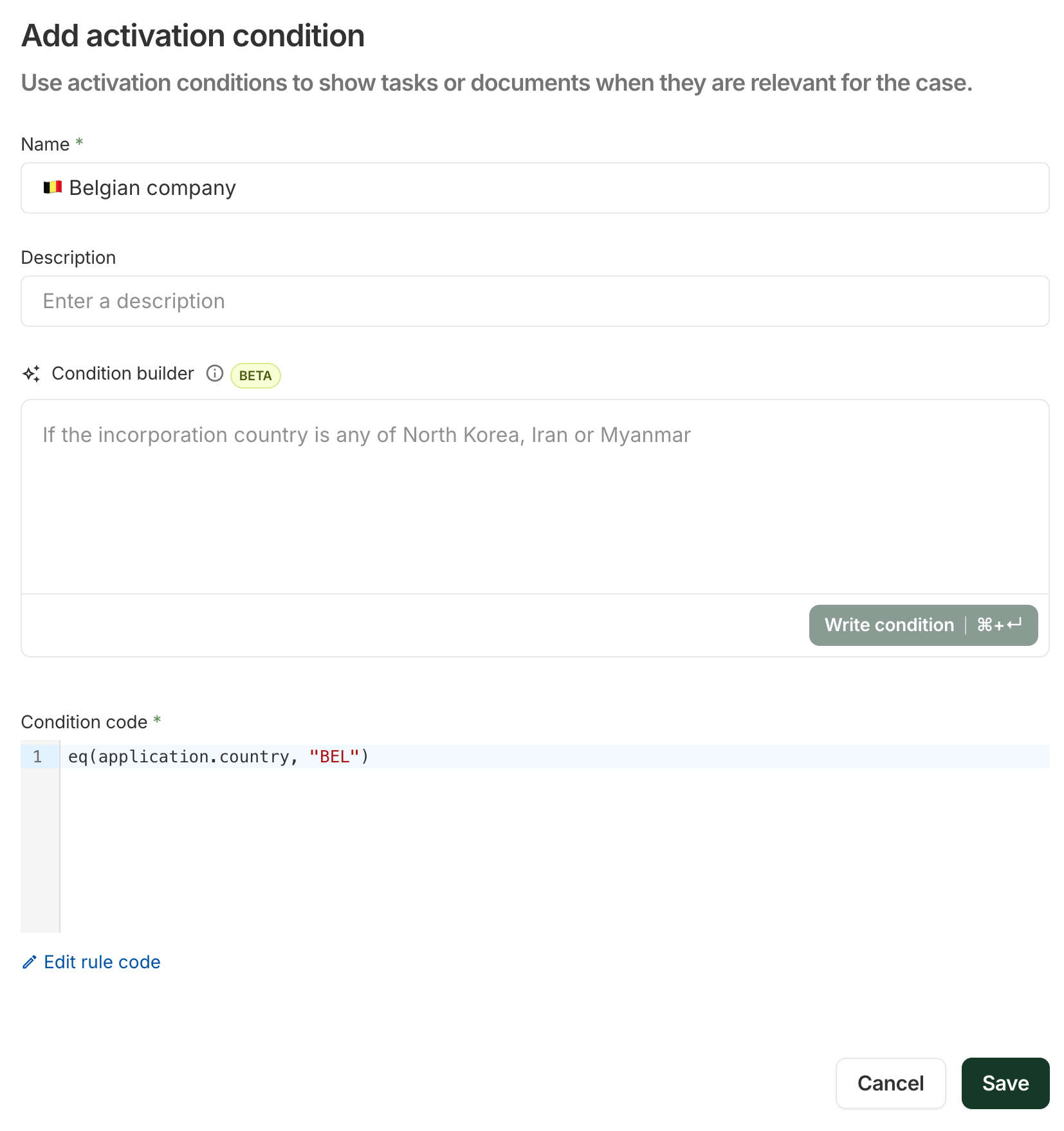
- Activation condition for Belgium: we'll start by creating an Activation condition for Belgian entities. This condition will be the pivotal element to differentiate how you would treat a French entity versus a Belgian entity in different parts of Ondorse's configuration: in workflow's tasks, in portal expectations..
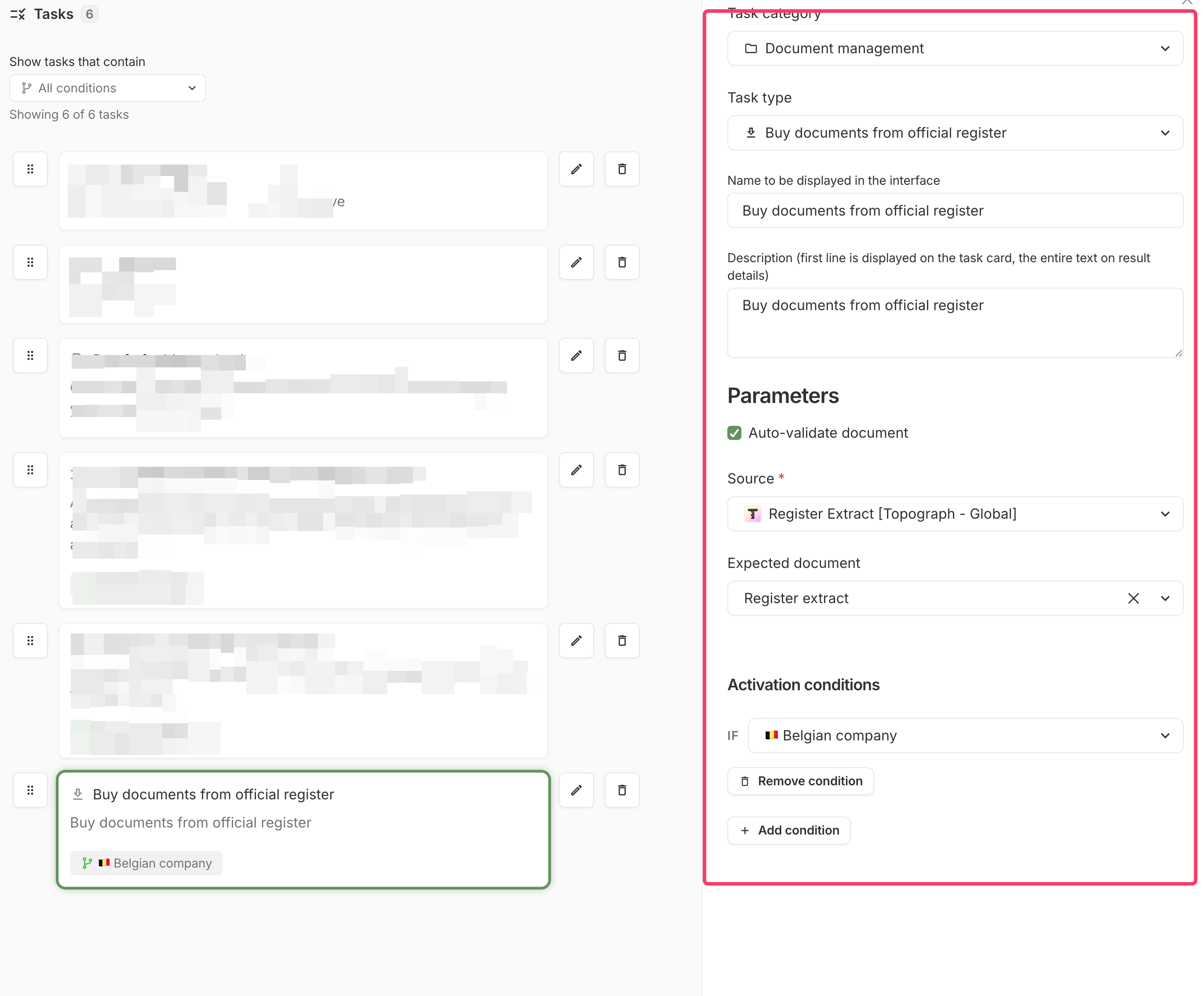
- Task to buy document: in your workflow, we'll add a task Buy documents. We chose "Topograh" and the doc we want to buy: "Register extract". We'll condition the execution of this task to the condition "🇧🇪Belgian company": it will only be executed for Belgian companies.
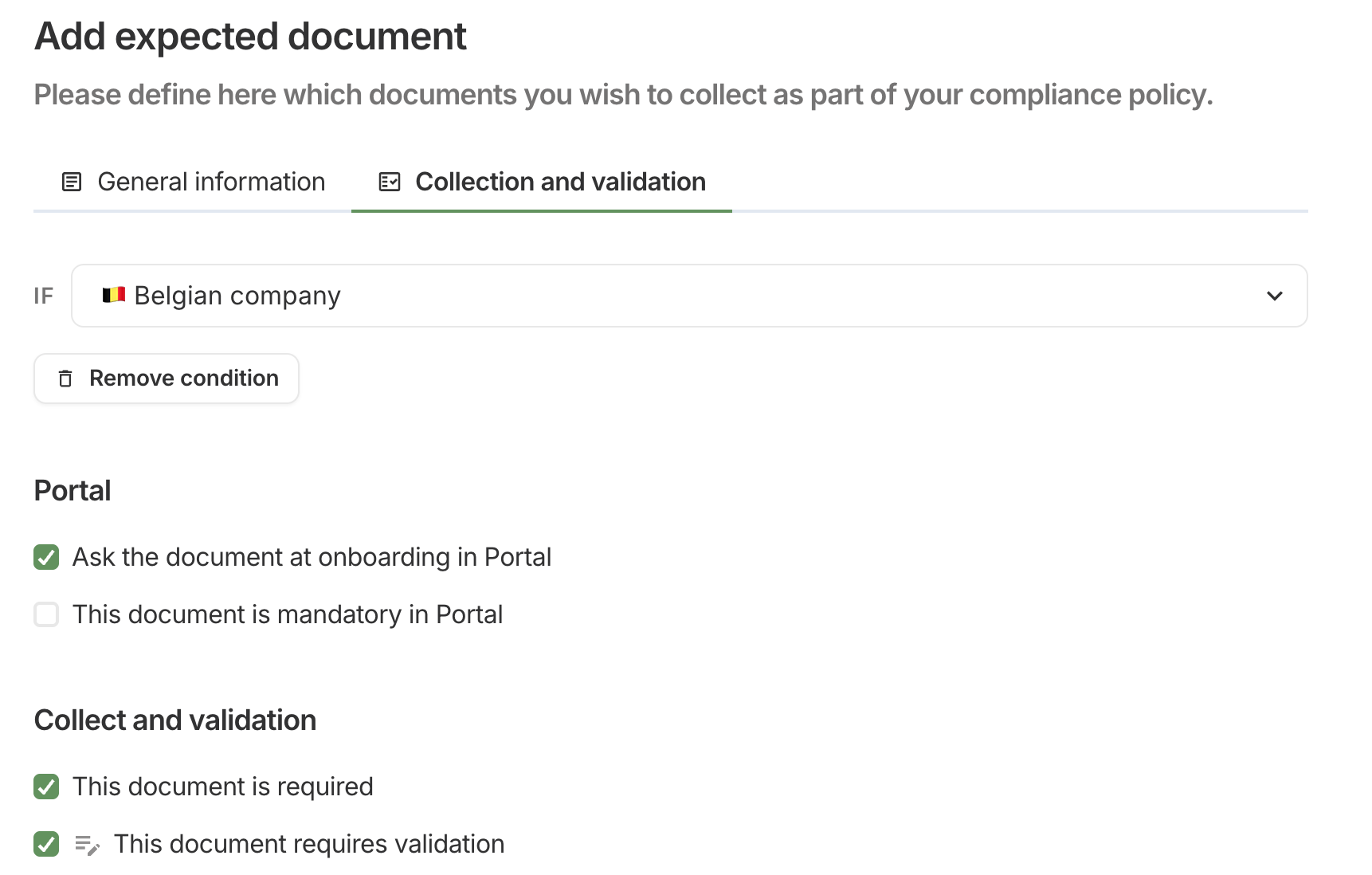
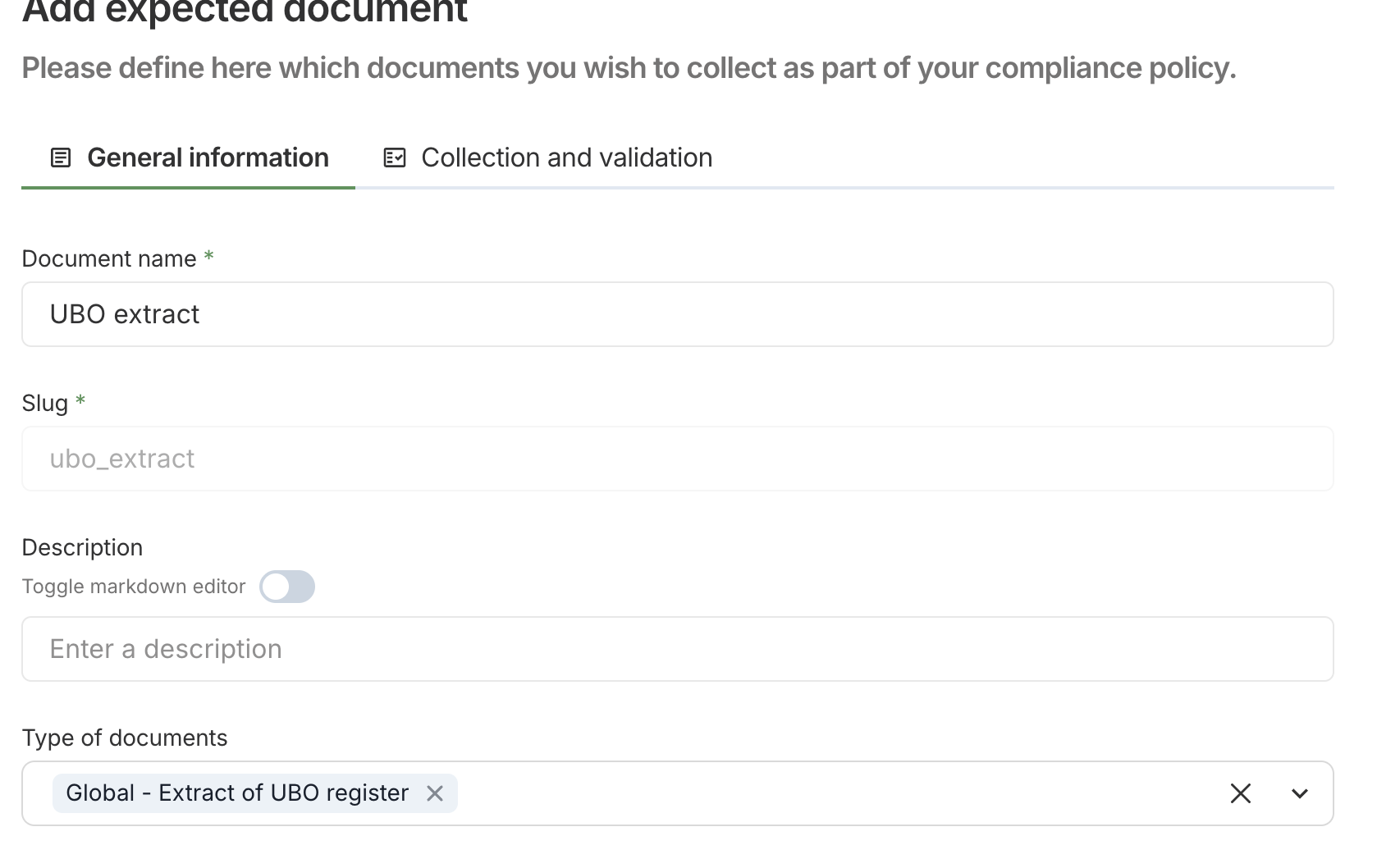
- Expected document "UBO extract": in the configuration, we will configure an Expected document that is required for the condition "🇧🇪Belgian company". As a result, in portal, the user will be prompted and required to upload a document "UBO extract" and the workflow will verify this document is present in the case.
- Portal help guides: we'll use Portal help guides to give detailed instructions to the user on how to find their UBO extract document.
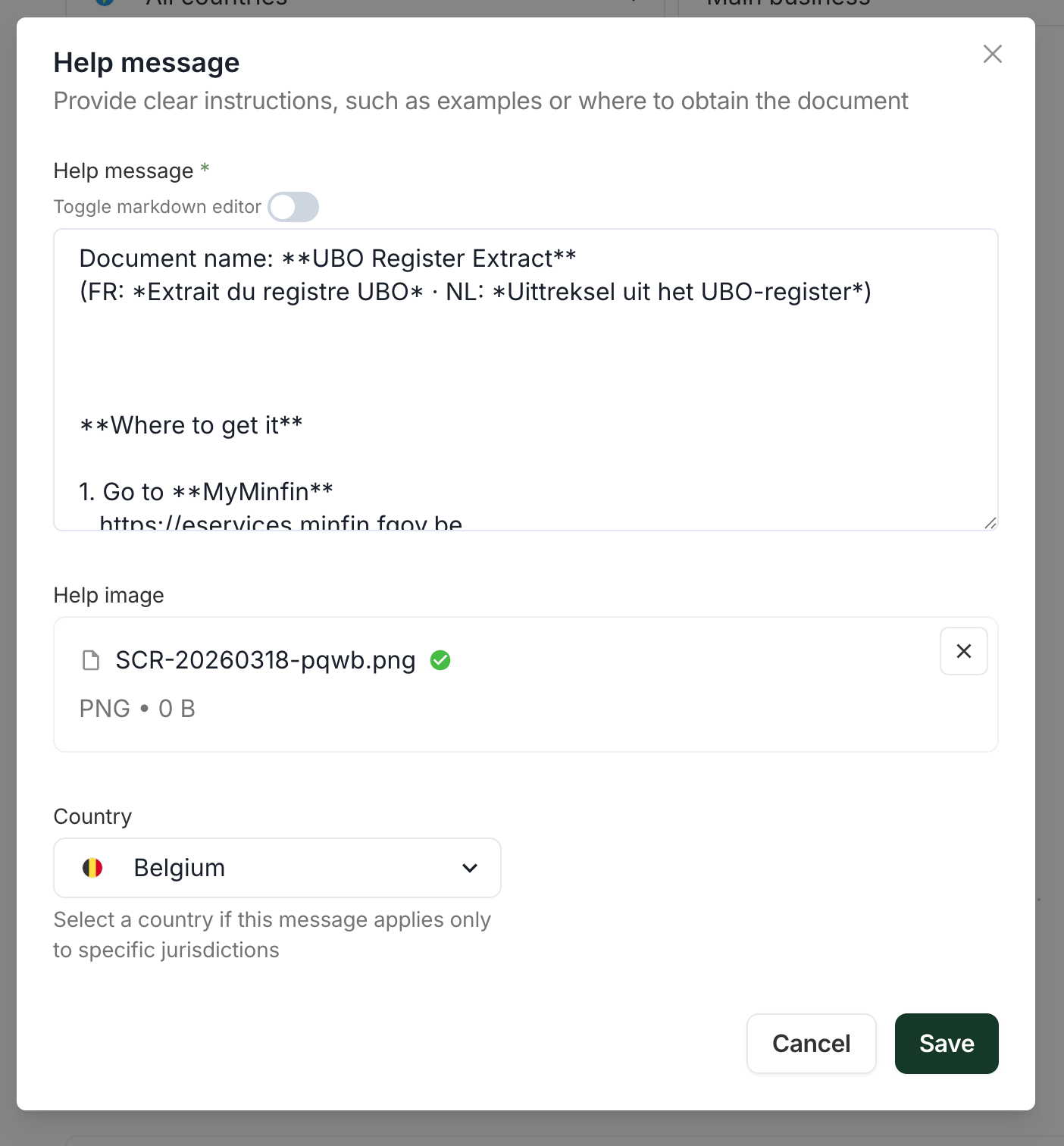
The configuration of portal help guide.
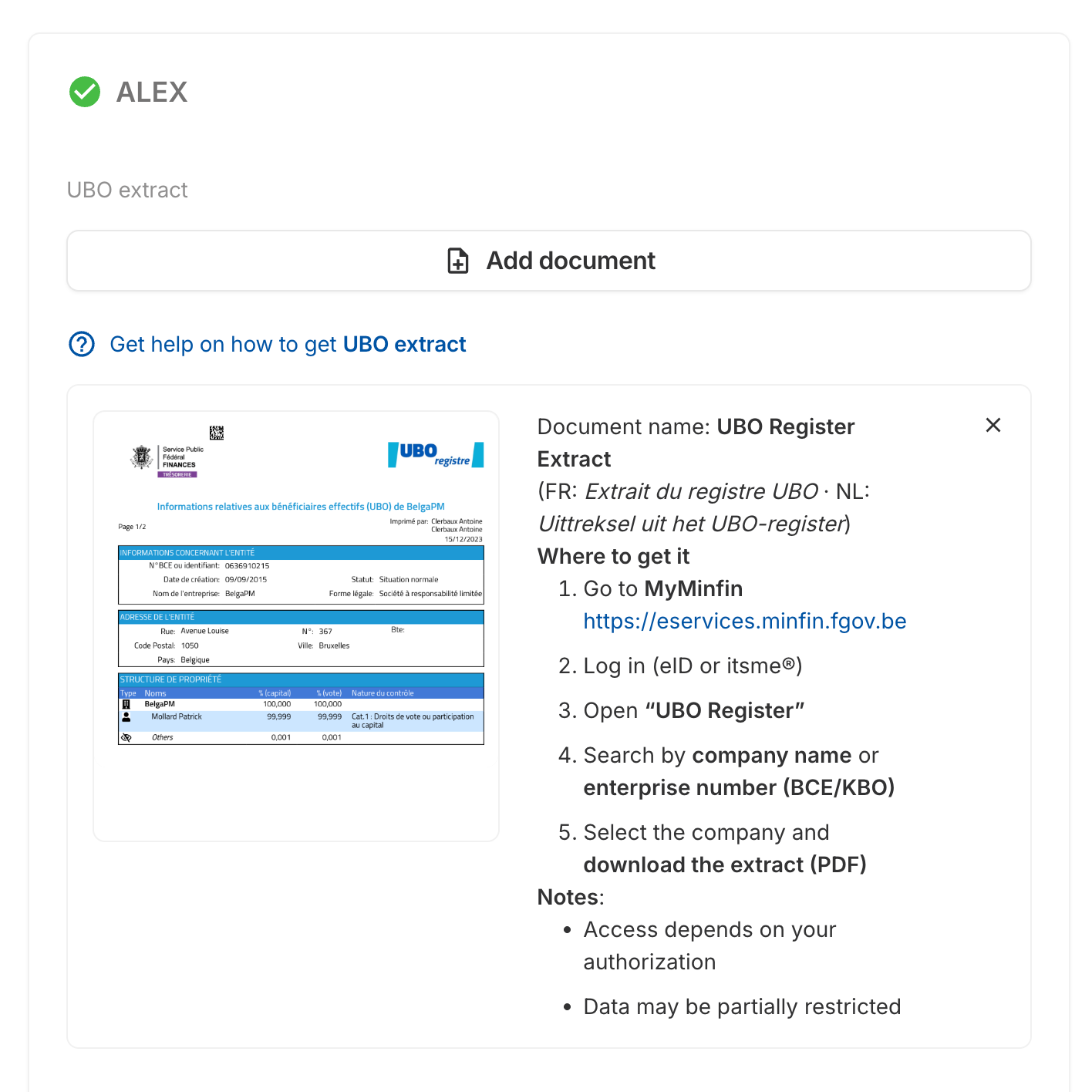
What the user will see
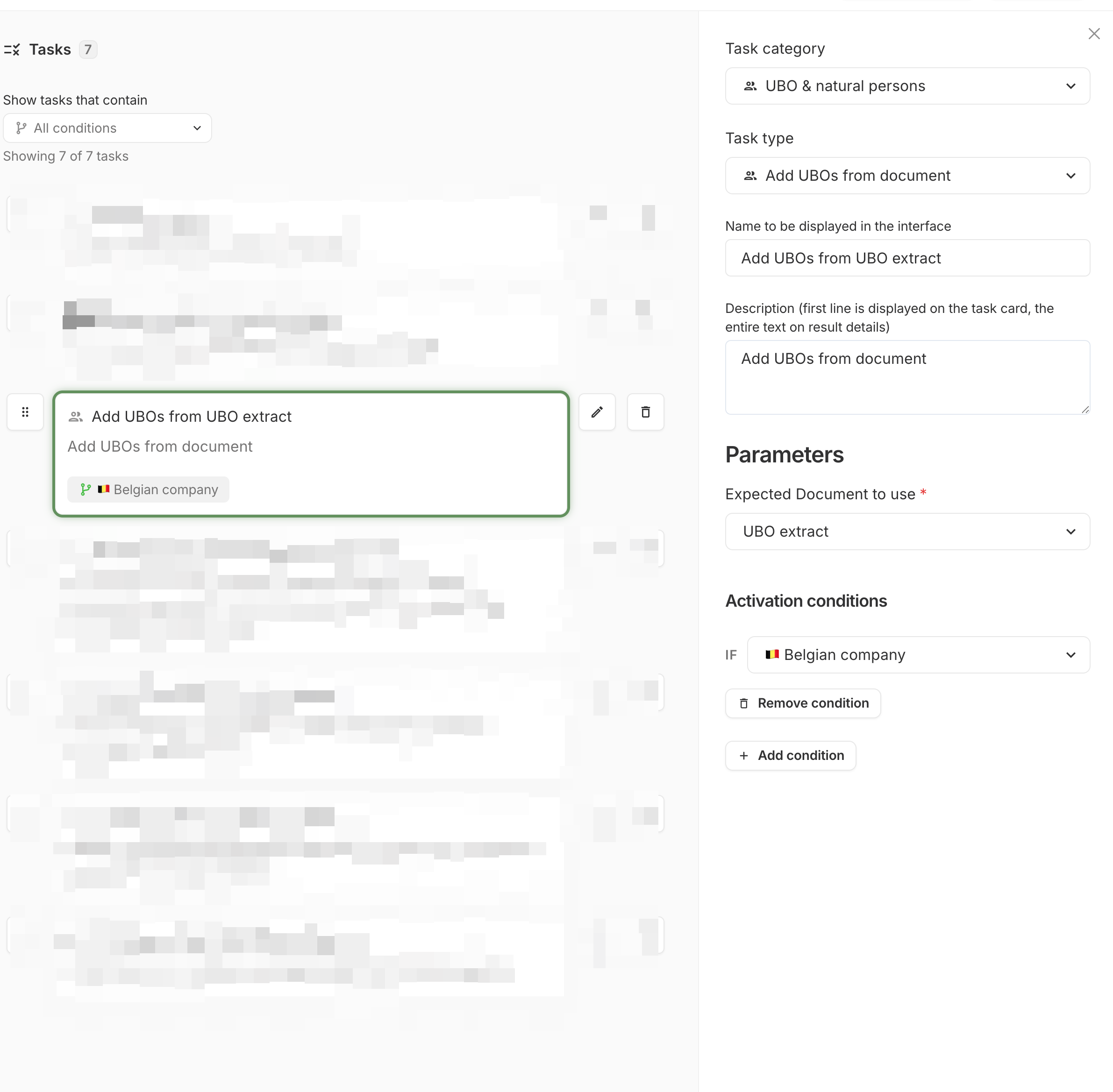
- Task "Add UBO from document": we add the task "Add UBOs from UBO extract" for Belgian companies. On submission of the document, this task will extract the UBOs from the "UBO extract" to the case.
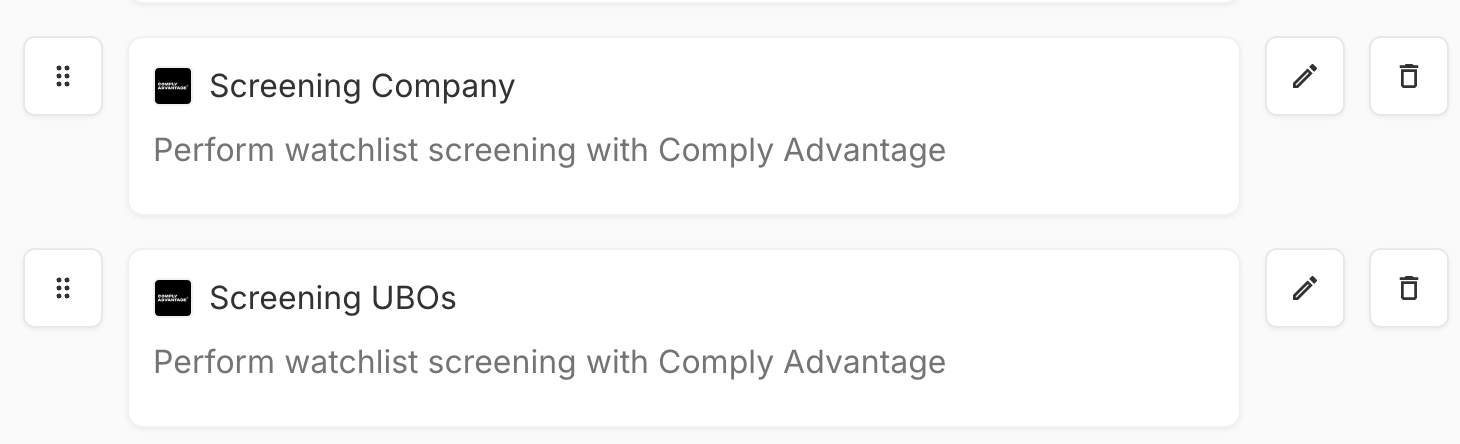
- Screening tasks: we add 2 tasks of screening, one to screen the legal entity and the second to screen UBOs. This will actually screen the UBOs that were added to the case by the task "Add UBO from document".
Updated 3 months ago